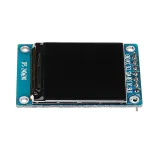
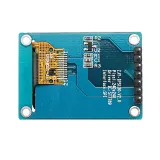
SKU: OT3499 Numéro d’article: AA431 EAN: 8720618489661

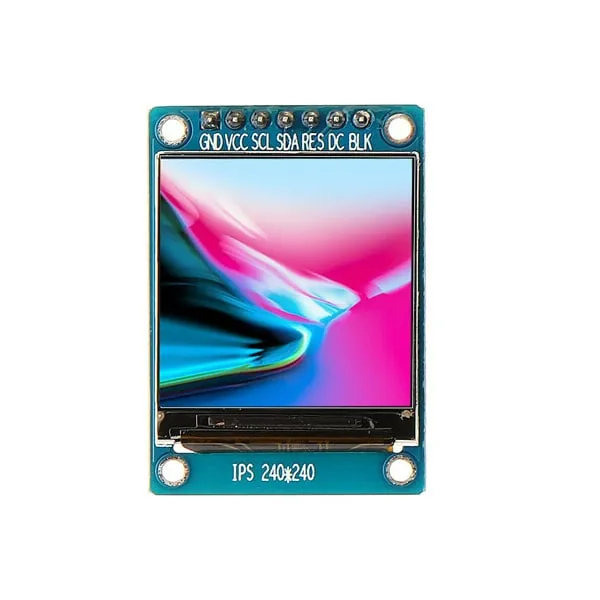
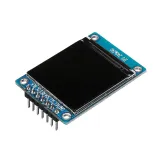
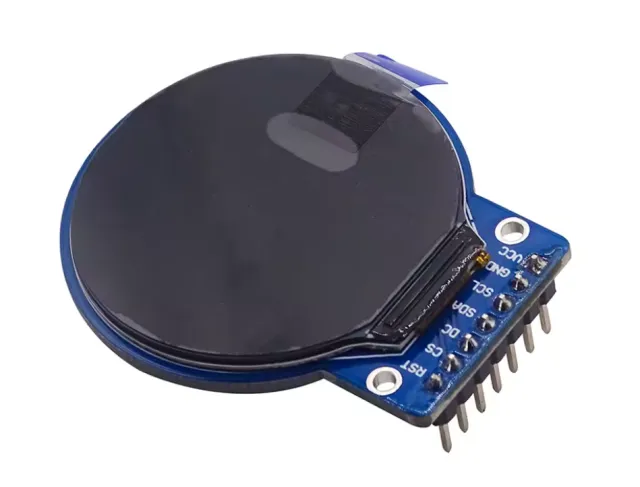
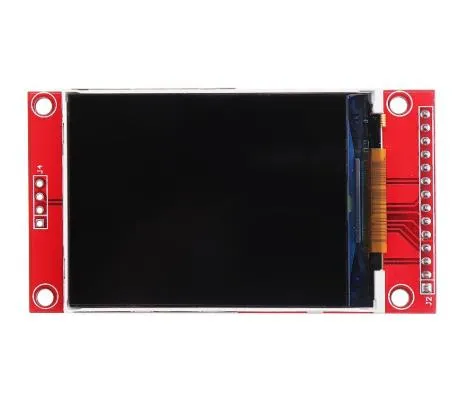
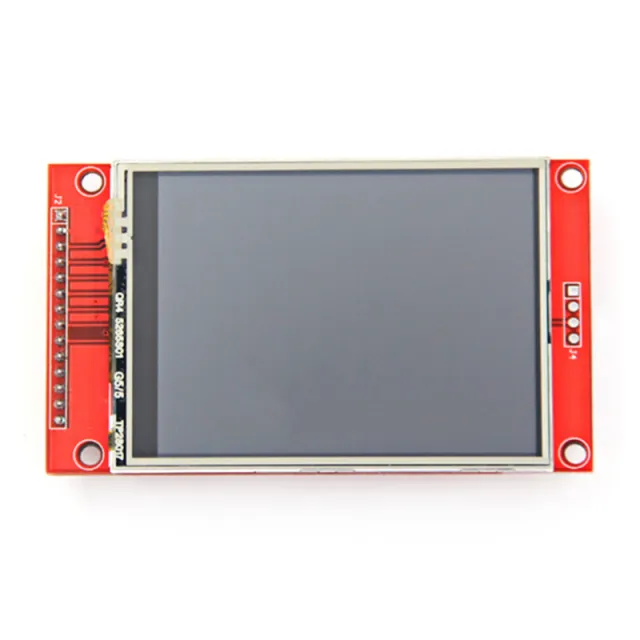
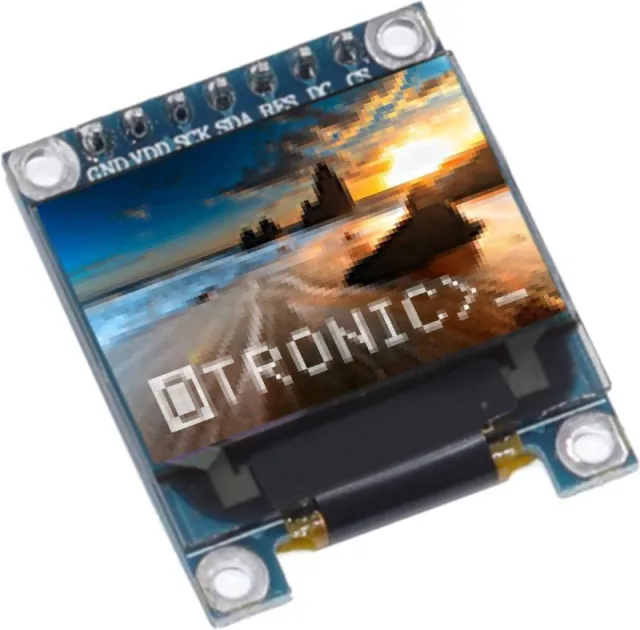
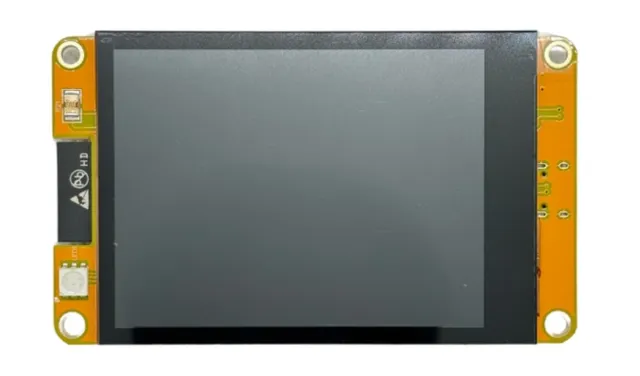
Un petit écran avec une diagonale de 1,3". Avec la haute densité de pixels de 260 ppi, c’est un fantastique écran de 240x240 pixels offrant une lisibilité sous tous les angles.
Les écrans de ce calibre sont également utilisés pour les smartwatches et les petits appareils électroniques.
Dispose du pilote d’affichage ST7789 qui fonctionne avec tous les microcontrôleurs et micro-ordinateurs.
C’est la meilleure façon d’ajouter un petit écran coloré et très lumineux à n’importe quel projet. Il utilise une communication SPI à 4 fils.
Grâce à son propre tampon d’images adressable par pixel, il peut même être utilisé avec de très petits microcontrôleurs disposant de peu de mémoire ou de broches disponibles.
L’écran possède 240x240 pixels couleur 16 bits et est IPS, donc les couleurs sont superbes jusqu’à 80 degrés de chaque axe dans chaque direction. Le pilote TFT (ST7789) ressemble beaucoup au populaire ST7735 et est bien pris en charge par plusieurs bibliothèques Arduino.
Adafruit, par exemple, a écrit une bibliothèque graphique open source complète capable de dessiner des pixels, des lignes, des rectangles, des cercles, du texte et des bitmaps en combinaison avec la bibliothèque Adafruit GFX. (voir cette page pour commencer) Il existe également du code d’exemple. Ce code est écrit pour Arduino mais peut facilement être adapté à votre microcontrôleur préféré.
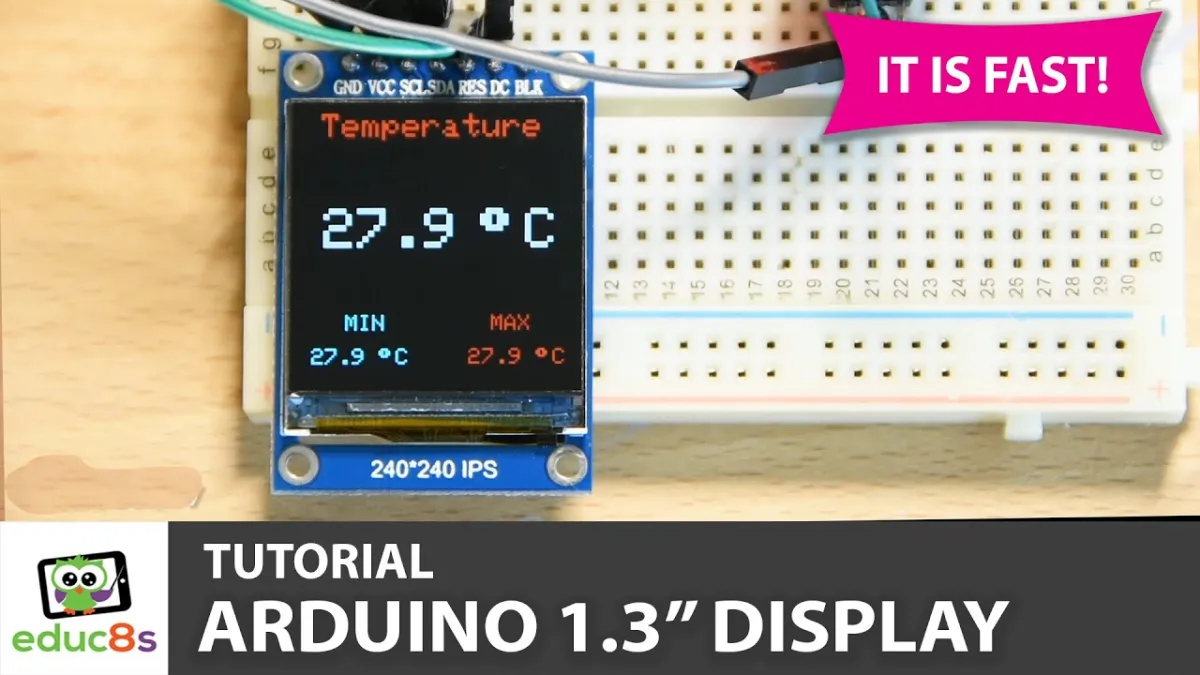
La lecture charge la vidéo depuis YouTube.
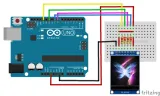
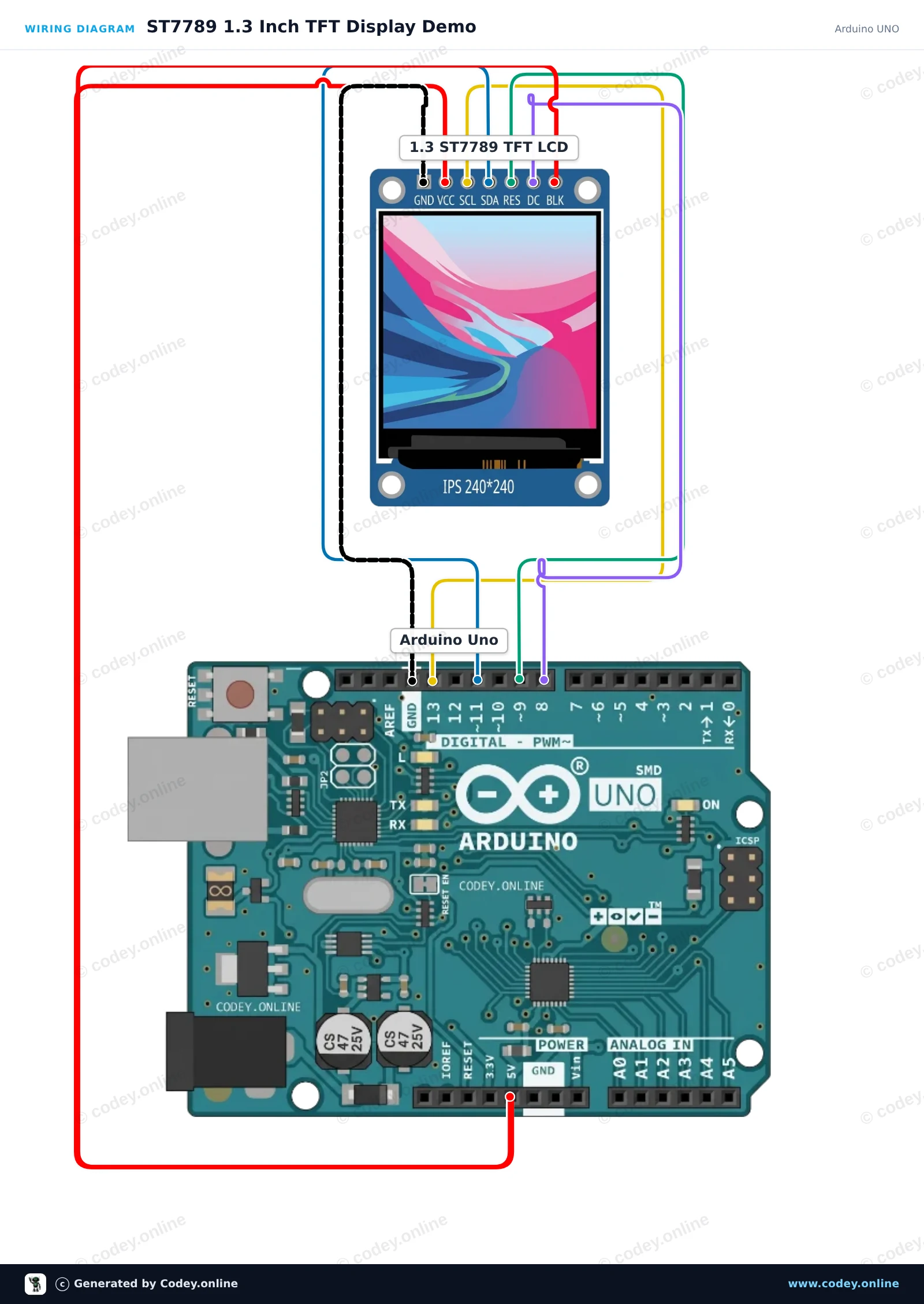
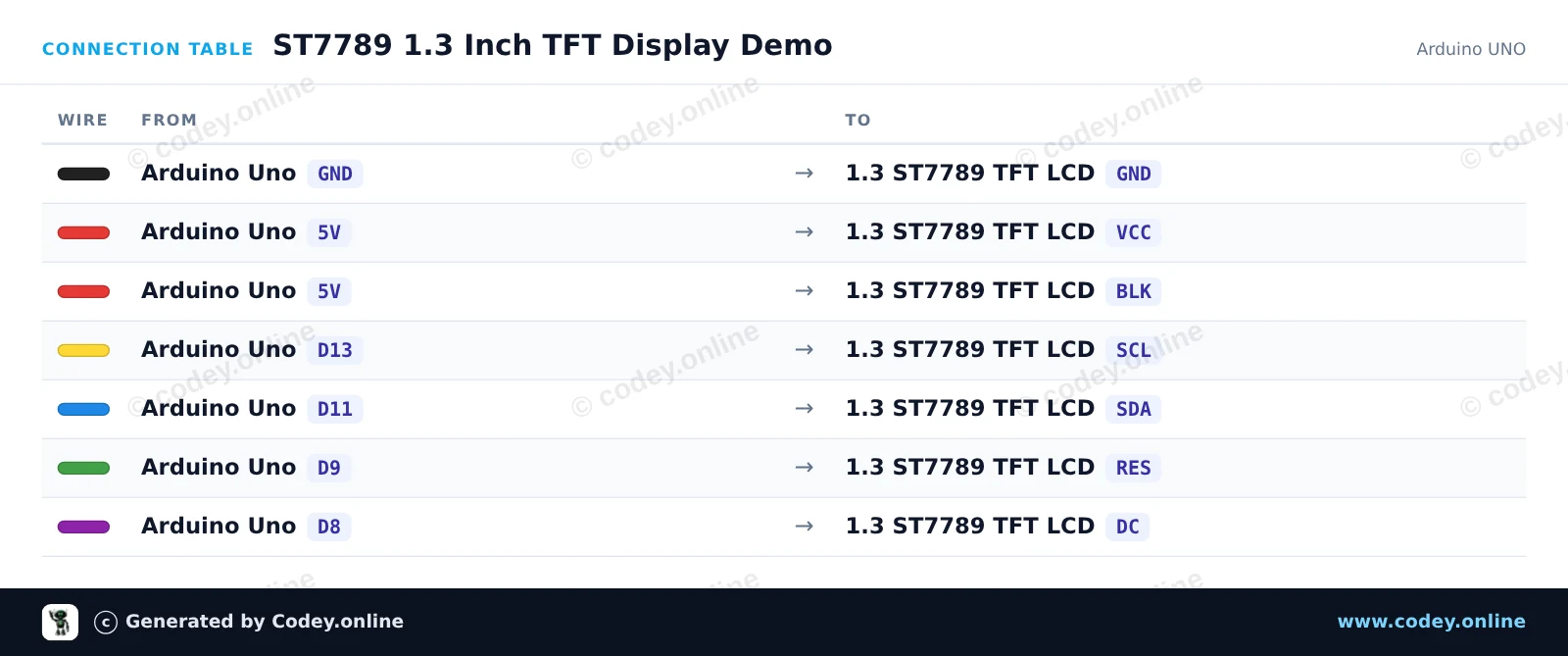
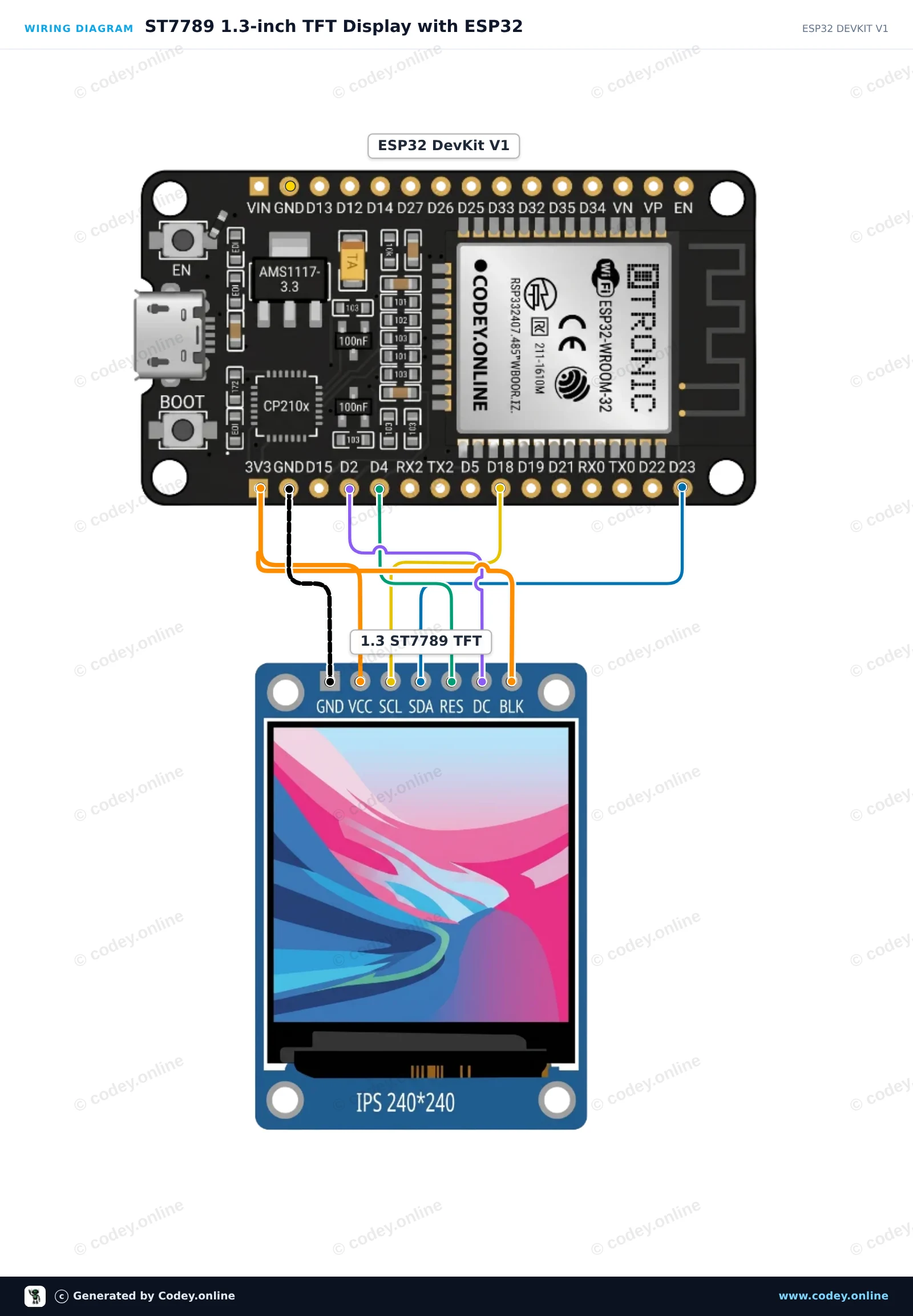
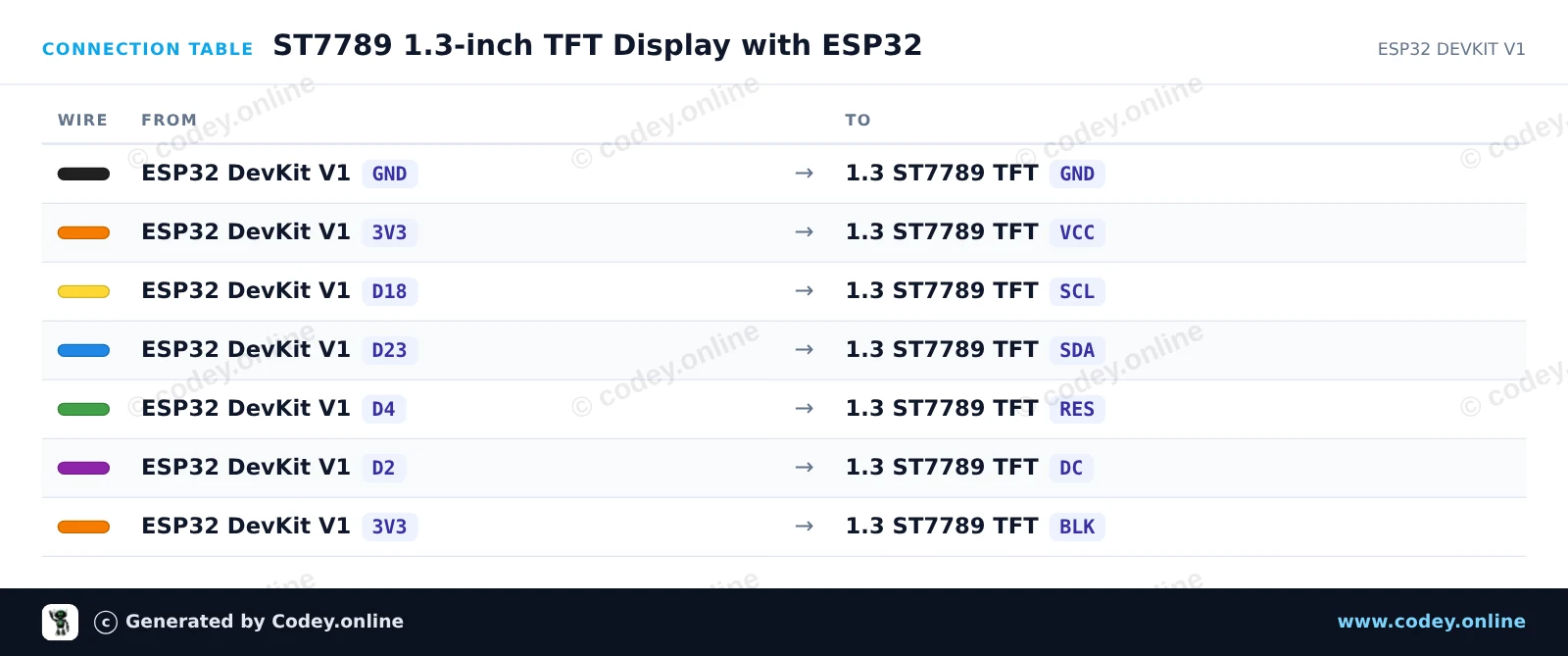
Voici comment connecter le Écran LCD TFT SPI RGB 1,3 pouce (ST7789, 3,3 V) à un Arduino UNO ou à un ESP32, avec un exemple de sketch que tu peux téléverser directement.
Ce projet initialise un écran TFT SPI ST7789 de 1.3-inch 240x240 avec un Arduino Uno. Le sketch affiche un texte de salutation, des formes et des graphismes colorés pour démontrer les capacités de l'écran. Connectez l'écran directement aux broches SPI de l'Arduino comme indiqué.
/*
 * ==================================================================
 *  Generated by Codey.online  —  https://www.codey.online
 * ==================================================================
 *  Project   : ST7789 1.3 Inch TFT Display Demo
 *  Board     : Arduino UNO (arduino:avr:uno)
 *  Parts     : LCD Display TFT 1.3inch ST7789
 *  Libraries : Adafruit ST7735 and ST7789 Library 1.11.0
 *
 *  Codey Online is an AI-powered browser IDE for Arduino and ESP32.
 *  Describe your project and Codey writes the code, draws the wiring
 *  diagram and uploads it to your board, straight from the browser.
 *  This code is free to use, modify and share, without warranty.
 * ==================================================================
 */

#include <Adafruit_ST7789.h>
#include <SPI.h>

#define TFT_CS   -1
#define TFT_DC    8
#define TFT_RST   9

Adafruit_ST7789 tft = Adafruit_ST7789(TFT_CS, TFT_DC, TFT_RST);

void setup() {
  Serial.begin(115200);
  Serial.println(F("ST7789 TFT Display Demo"));

  // Initialize 240x240 pixel ST7789 display
  tft.init(240, 240);
  tft.setRotation(0);
  tft.fillScreen(ST77XX_BLACK);

  // Draw greeting text
  tft.setTextWrap(false);
  tft.setTextSize(2);
  tft.setTextColor(ST77XX_WHITE);
  tft.setCursor(20, 20);
  tft.println(F("Hello!"));

  tft.setTextColor(ST77XX_CYAN);
  tft.setCursor(20, 50);
  tft.println(F("ST7789 1.3 TFT"));

  // Draw sample graphics
  tft.drawRect(10, 85, 220, 130, ST77XX_YELLOW);
  tft.fillCircle(60, 145, 25, ST77XX_RED);
  tft.fillTriangle(120, 185, 160, 115, 200, 185, ST77XX_GREEN);

  Serial.println(F("Display ready."));
}

void loop() {
  // Static demo
}Bibliothèques nécessaires : Adafruit ST7735 and ST7789 Library 1.11.0
Wiring diagram and example code generated by Codey.online — https://www.codey.online
Ce projet initialise un écran TFT SPI 240x240 de 1.3-inch à l’aide du pilote ST7789. Il dessine des formes, affiche du texte et met à jour un compteur en direct à l’écran chaque seconde.
/*
 * ==================================================================
 *  Generated by Codey.online  —  https://www.codey.online
 * ==================================================================
 *  Project   : ST7789 1.3-inch TFT Display with ESP32
 *  Board     : ESP32 DEVKIT V1 (esp32:esp32:esp32doit-devkit-v1)
 *  Parts     : LCD Display TFT 1.3inch ST7789
 *  Libraries : Adafruit GFX Library 1.12.6, Adafruit ST7735 and ST7789 Library 1.11.0
 *
 *  Codey Online is an AI-powered browser IDE for Arduino and ESP32.
 *  Describe your project and Codey writes the code, draws the wiring
 *  diagram and uploads it to your board, straight from the browser.
 *  This code is free to use, modify and share, without warranty.
 * ==================================================================
 */

#include <Adafruit_GFX.h>
#include <Adafruit_ST7789.h>
#include <SPI.h>

#define TFT_DC    2
#define TFT_RST   4
#define TFT_CS   -1

Adafruit_ST7789 tft = Adafruit_ST7789(TFT_CS, TFT_DC, TFT_RST);

int counter = 0;

void setup() {
  Serial.begin(115200);

  // Initialize 240x240 ST7789 display
  tft.init(240, 240);
  tft.setRotation(2);
  tft.fillScreen(ST77XX_BLACK);

  // Draw frame and header
  tft.drawRect(10, 10, 220, 220, ST77XX_BLUE);
  tft.setTextColor(ST77XX_WHITE);
  tft.setTextSize(2);
  tft.setCursor(35, 30);
  tft.println("ESP32 ST7789");

  tft.fillCircle(120, 160, 35, ST77XX_RED);
}

void loop() {
  // Update counter area
  tft.fillRect(40, 80, 160, 30, ST77XX_BLACK);
  tft.setTextColor(ST77XX_GREEN);
  tft.setTextSize(2);
  tft.setCursor(45, 85);
  tft.printf("Count: %d", counter++);

  delay(1000);
}Bibliothèques nécessaires : Adafruit GFX Library 1.12.6, Adafruit ST7735 and ST7789 Library 1.11.0
Wiring diagram and example code generated by Codey.online — https://www.codey.online






 English
  Nederlands
  Deutsch
  Italiano
  Español
  Suomi
Suomi  Polski
  Dansk
Dansk  Ελληνικά
  Български
  Čeština
  Hrvatski
  Aileen