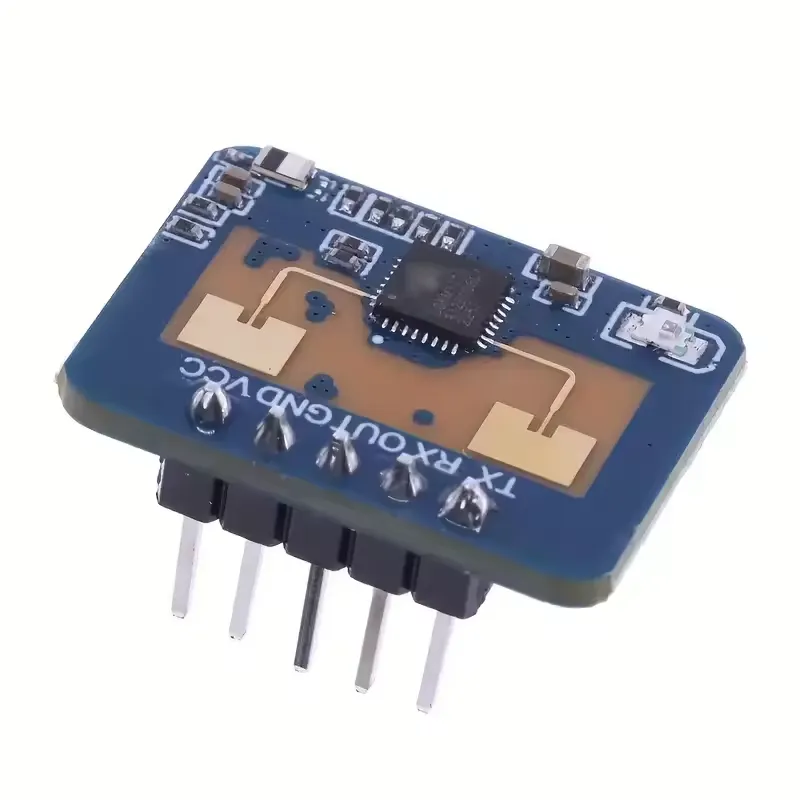
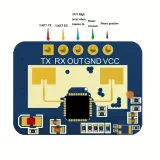
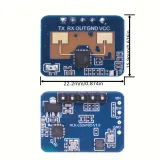
SKU: OT1021 Numéro d’article: OT1021 EAN: 8721244302904
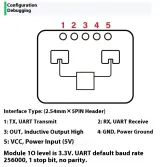
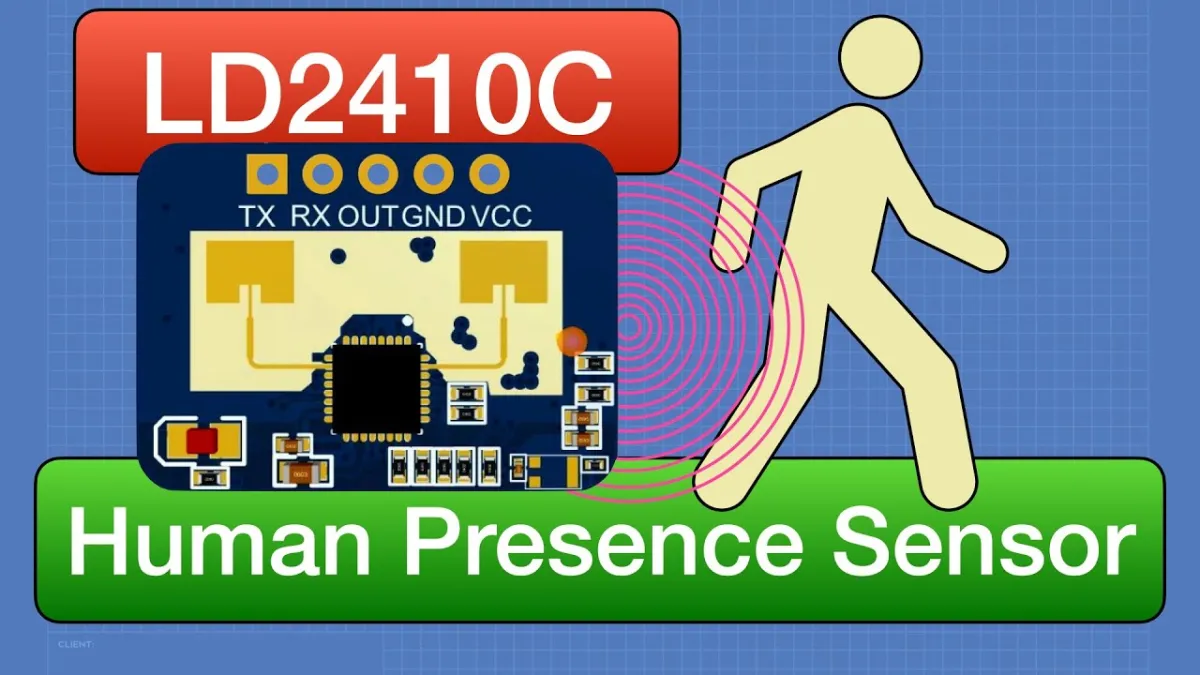
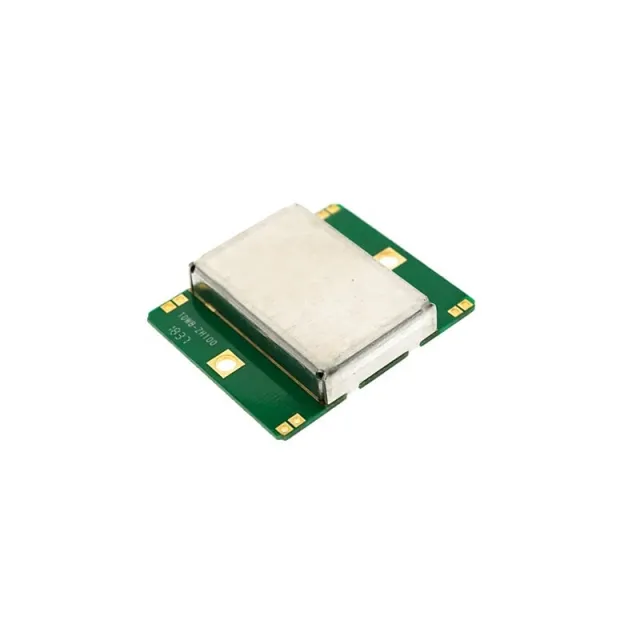
Le LD2410C est un capteur de présence avancé qui détecte les mouvements humains à l’aide d’un radar à ondes millimétriques FMCW 24 GHz. Contrairement aux capteurs PIR traditionnels, ce module fonctionne via les micro-ondes et l’effet Doppler, ce qui lui permet de détecter les mouvements à travers presque tous les matériaux, sauf le métal.
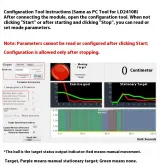
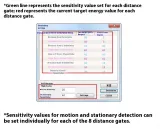
Le LD2410C offre une solution fiable et flexible pour détecter la présence humaine, même dans des environnements difficiles. Grâce à son intégration simple et à ses nombreuses possibilités de réglage, ce capteur convient à diverses applications intelligentes sans nécessiter de connaissances approfondies en programmation.
La lecture charge la vidéo depuis YouTube.
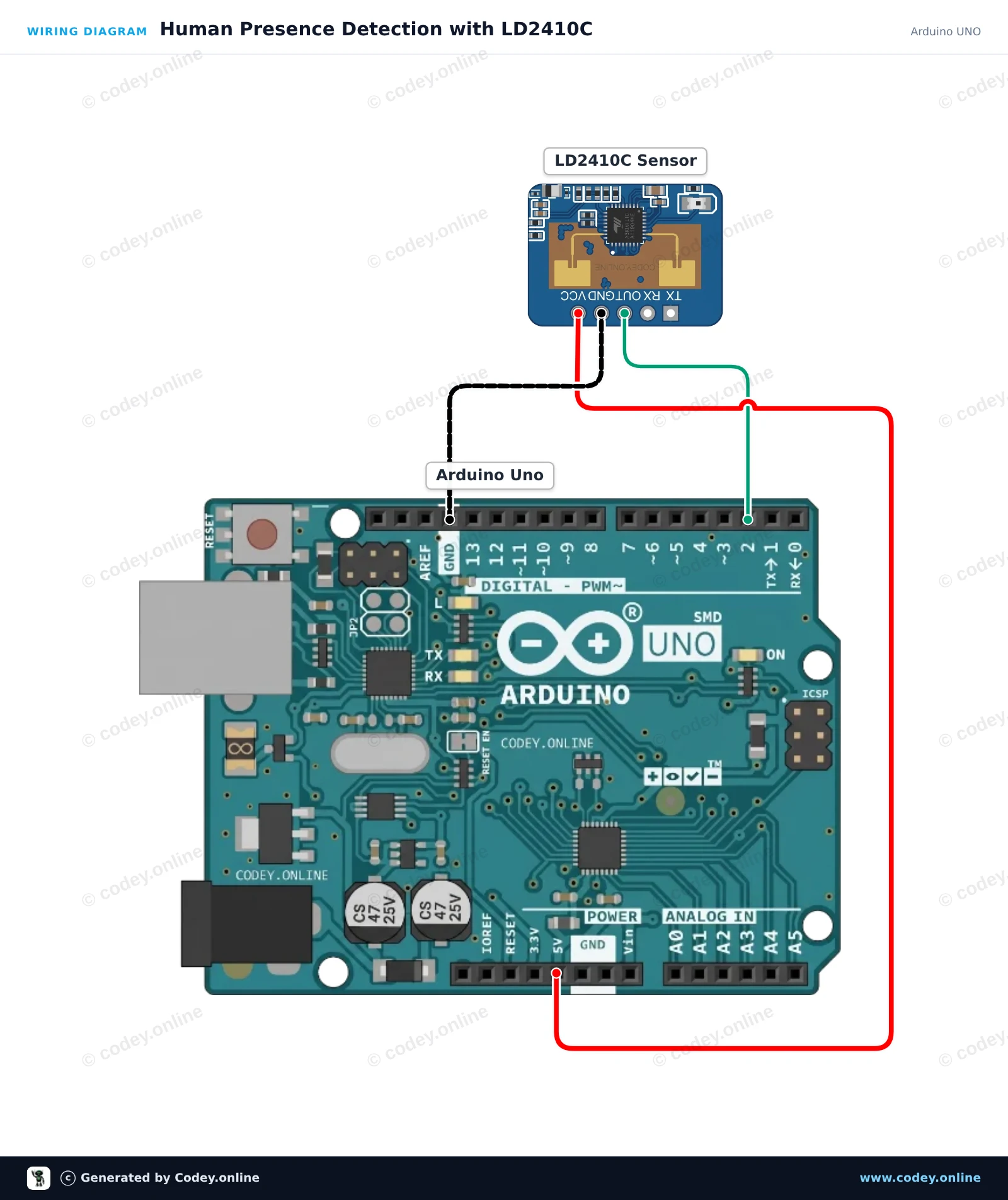
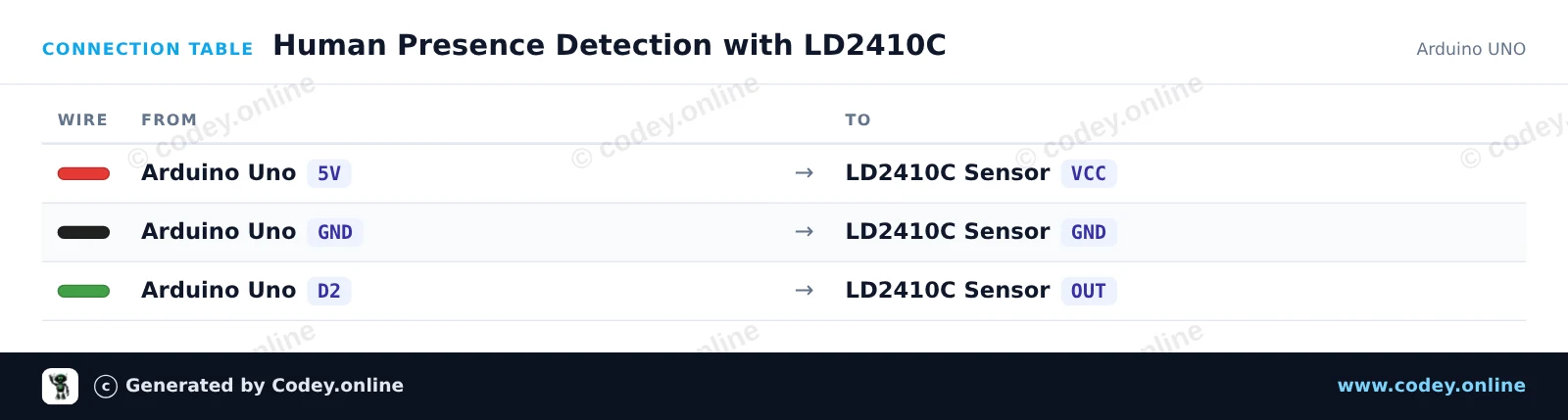
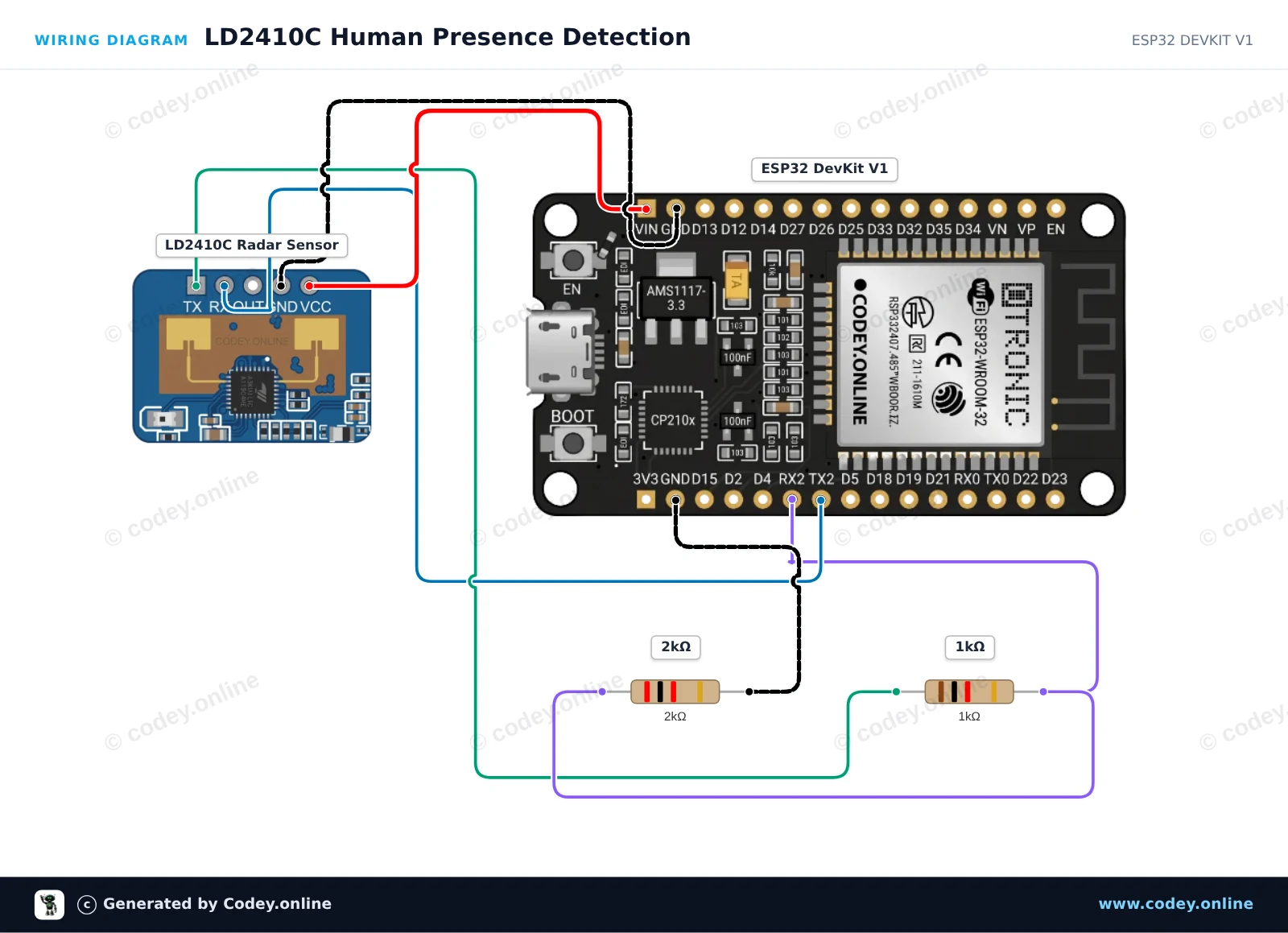
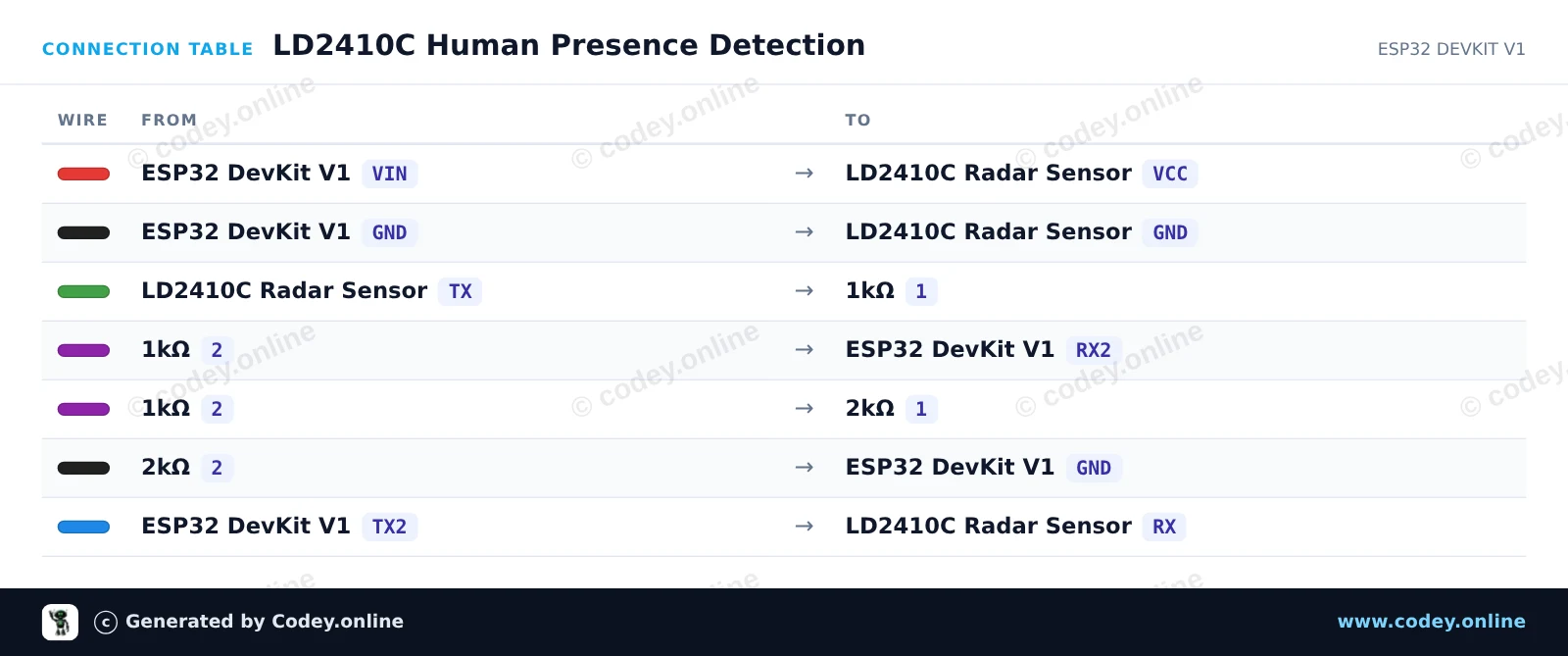
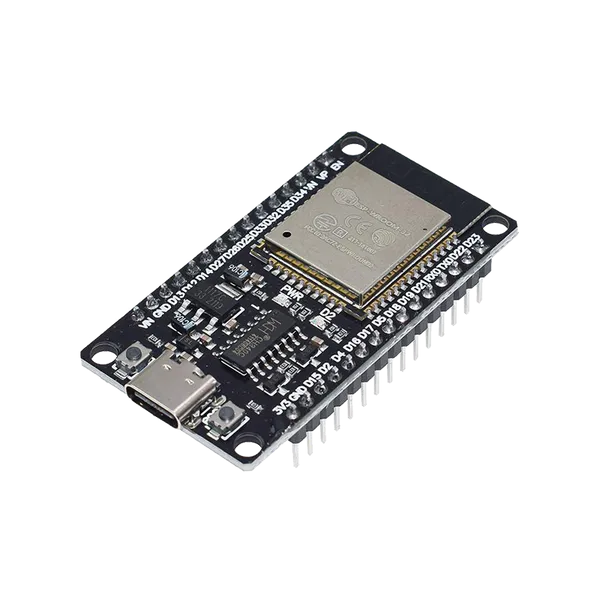
Voici comment connecter le LD2410C 24GHz module capteur de présence humaine à un Arduino UNO ou à un ESP32, avec un exemple de sketch que tu peux téléverser directement.
Ce projet détecte la présence humaine à l'aide de la broche de sortie numérique du capteur radar mmWave LD2410C 24GHz. Lorsqu'un mouvement ou une présence immobile est détecté, la LED intégrée s'allume et l'état est affiché dans le Moniteur série.
/*
 * ==================================================================
 *  Generated by Codey.online  —  https://www.codey.online
 * ==================================================================
 *  Project   : Human Presence Detection with LD2410C
 *  Board     : Arduino UNO (arduino:avr:uno)
 *  Parts     : Human Presence Sensor LD2410C
 *  Libraries : none (built-in)
 *
 *  Codey Online is an AI-powered browser IDE for Arduino and ESP32.
 *  Describe your project and Codey writes the code, draws the wiring
 *  diagram and uploads it to your board, straight from the browser.
 *  This code is free to use, modify and share, without warranty.
 * ==================================================================
 */

// LD2410C Human Presence Detection Example
// Reads the OUT pin to detect human presence

const int PRESENCE_PIN = 2;
const int LED_PIN = 13;

int lastState = -1;

void setup() {
  pinMode(PRESENCE_PIN, INPUT);
  pinMode(LED_PIN, OUTPUT);

  Serial.begin(115200);
  Serial.println(F("LD2410C Presence Sensor Ready"));
}

void loop() {
  int currentState = digitalRead(PRESENCE_PIN);

  // Update on state change
  if (currentState != lastState) {
    lastState = currentState;

    if (currentState == HIGH) {
      digitalWrite(LED_PIN, HIGH);
      Serial.println(F("Target detected: Presence confirmed!"));
    } else {
      digitalWrite(LED_PIN, LOW);
      Serial.println(F("No target detected."));
    }
  }

  delay(50);
}Wiring diagram and example code generated by Codey.online — https://www.codey.online
Ce circuit lit en temps réel les données radar mmWave du capteur LD2410C via UART en utilisant ESP32 Serial2. Un diviseur de tension à résistances (1kΩ / 2kΩ) abaisse en toute sécurité la sortie TX 5V du capteur à 3.3V pour la broche RX2 de l'ESP32. La présence, les cibles immobiles et les cibles en mouvement sont affichées dans le Serial Monitor.
/*
 * ==================================================================
 *  Generated by Codey.online  —  https://www.codey.online
 * ==================================================================
 *  Project   : LD2410C Human Presence Detection
 *  Board     : ESP32 DEVKIT V1 (esp32:esp32:esp32doit-devkit-v1)
 *  Parts     : Human Presence Sensor LD2410C
 *  Libraries : none (built-in)
 *
 *  Codey Online is an AI-powered browser IDE for Arduino and ESP32.
 *  Describe your project and Codey writes the code, draws the wiring
 *  diagram and uploads it to your board, straight from the browser.
 *  This code is free to use, modify and share, without warranty.
 * ==================================================================
 */

#include <ld2410.h>

ld2410 radar;
uint32_t lastPrint = 0;

void setup() {
  Serial.begin(115200);
  // LD2410C default baud rate is 256000 on Serial2 (RX: 16, TX: 17)
  Serial2.begin(256000, SERIAL_8N1, 16, 17);

  Serial.println("Connecting to LD2410C sensor...");
  if (radar.begin(Serial2)) {
    Serial.println("LD2410C sensor initialized successfully!");
  } else {
    Serial.println("Sensor initialization failed. Check wiring and power.");
  }
}

void loop() {
  radar.read();

  if (radar.isConnected() && (millis() - lastPrint > 500)) {
    lastPrint = millis();

    if (radar.presenceDetected()) {
      Serial.print("Presence: DETECTED | ");
      if (radar.movingTargetDetected()) {
        Serial.print("Moving Target: ");
        Serial.print(radar.movingTargetDistance());
        Serial.print(" cm | ");
      }
      if (radar.stationaryTargetDetected()) {
        Serial.print("Stationary Target: ");
        Serial.print(radar.stationaryTargetDistance());
        Serial.print(" cm");
      }
      Serial.println();
    } else {
      Serial.println("Presence: None");
    }
  }
}Wiring diagram and example code generated by Codey.online — https://www.codey.online






 English
  Nederlands
  Deutsch
  Italiano
  Español
  Suomi
Suomi  Polski
  Dansk
Dansk  Ελληνικά
  Български
  Čeština
  Hrvatski
  Aileen