Commandé les jours ouvrables avant 14:00 = expédié le jour même. 30 jours pour changer d’avis 1 an de garantie

Schéma de câblage et exemple de code

Voici comment connecter le Module matrice LED MAX7219 Rouge à un Arduino UNO ou à un ESP32, avec un exemple de sketch que tu peux téléverser directement.

Démo d’affichage matrice LED 8x8 MAX7219

Ce projet montre comment contrôler une matrice LED 8x8 à l’aide du circuit pilote MAX7219. Il initialise l’affichage et fait défiler successivement un smiley, une icône de cœur et un motif de pixels en balayage.

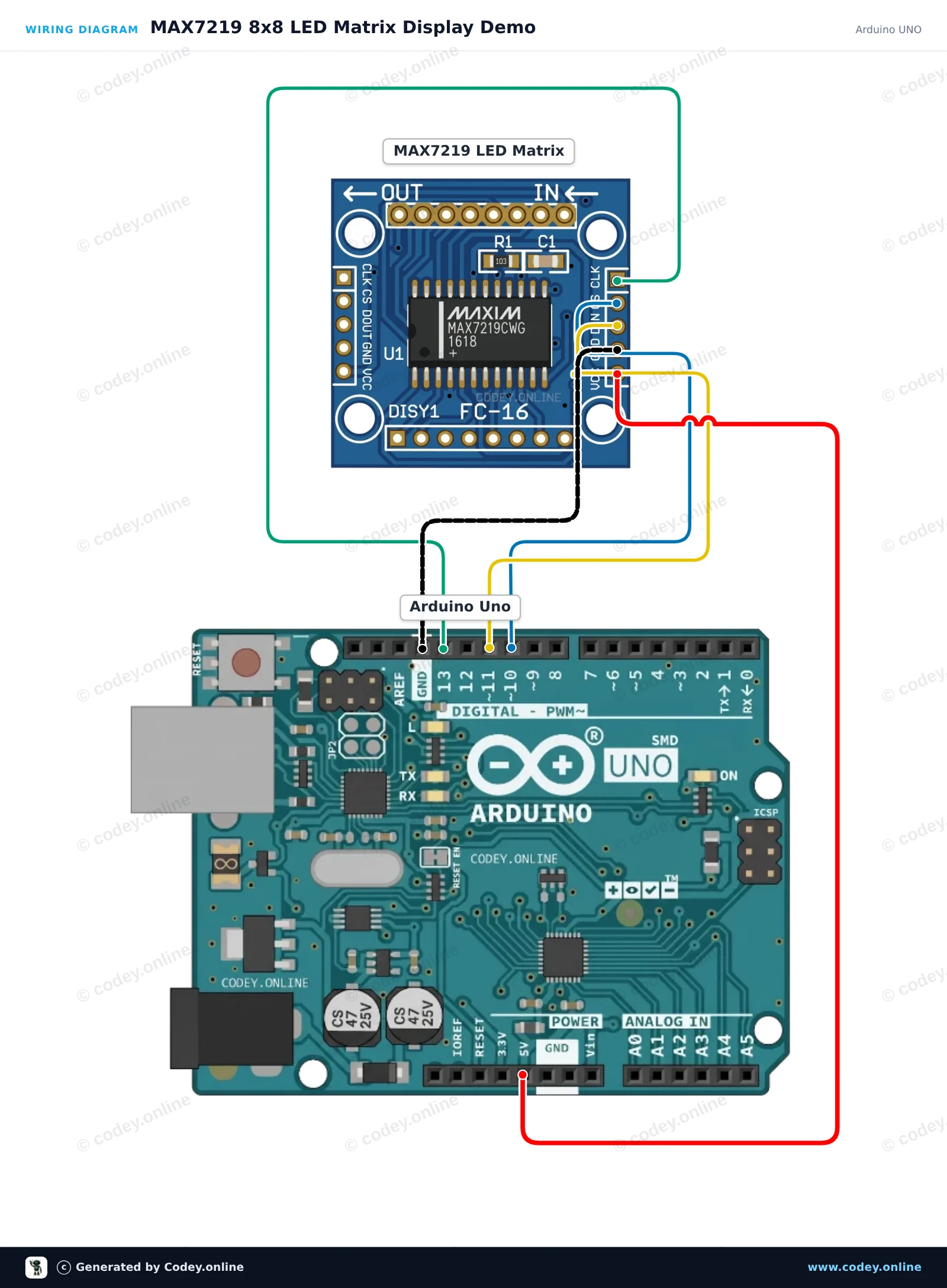
Schéma de câblage : Module matrice LED MAX7219 Rouge sur un Arduino UNO
Schéma de câblage · Cliquez pour agrandir
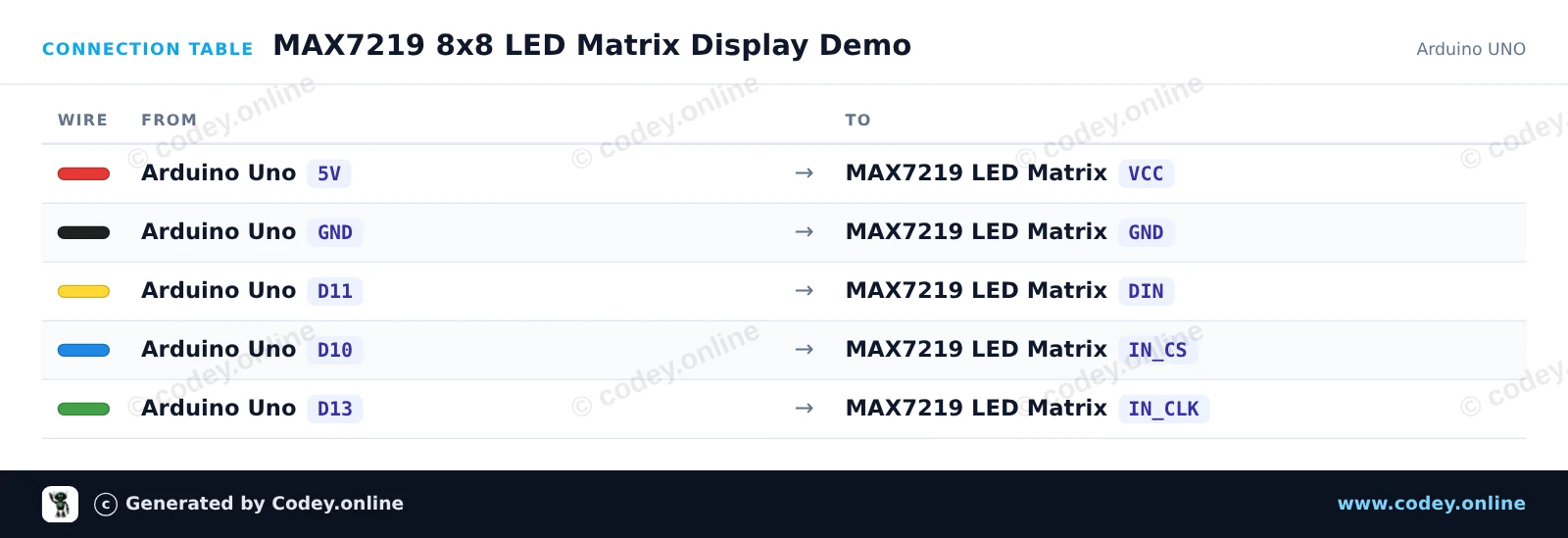
Tableau de câblage : Module matrice LED MAX7219 Rouge sur un Arduino UNO
Tableau de câblage · Cliquez pour agrandir
MAX7219_8x8_LED_Matrix_Display_Demo.ino · compilé et testé
/*
 * ==================================================================
 *  Generated by Codey.online  —  https://www.codey.online
 * ==================================================================
 *  Project   : MAX7219 8x8 LED Matrix Display Demo
 *  Board     : Arduino UNO (arduino:avr:uno)
 *  Parts     : LED Matrix Module MAX7219
 *  Libraries : LedControl 1.0.6
 *
 *  Codey Online is an AI-powered browser IDE for Arduino and ESP32.
 *  Describe your project and Codey writes the code, draws the wiring
 *  diagram and uploads it to your board, straight from the browser.
 *  This code is free to use, modify and share, without warranty.
 * ==================================================================
 */

#include <LedControl.h>

const int DIN_PIN = 11;
const int CS_PIN  = 10;
const int CLK_PIN = 13;

LedControl lc = LedControl(DIN_PIN, CLK_PIN, CS_PIN, 1);

// 8x8 bitmap patterns
const byte SMILEY[8] = {
  0b00111100,
  0b01000010,
  0b10100101,
  0b10000001,
  0b10100101,
  0b10011001,
  0b01000010,
  0b00111100
};

const byte HEART[8] = {
  0b00000000,
  0b01100110,
  0b11111111,
  0b11111111,
  0b01111110,
  0b00111100,
  0b00011000,
  0b00000000
};

void drawPattern(const byte pattern[8]) {
  for (int row = 0; row < 8; row++) {
    lc.setRow(0, row, pattern[row]);
  }
}

void setup() {
  Serial.begin(115200);
  Serial.println(F("MAX7219 LED Matrix Demo"));

  lc.shutdown(0, false);  // Wake up display
  lc.setIntensity(0, 5);  // Brightness (0-15)
  lc.clearDisplay(0);
}

void loop() {
  // Show smiley face
  drawPattern(SMILEY);
  delay(2000);

  // Show heart
  drawPattern(HEART);
  delay(2000);

  // Clear display
  lc.clearDisplay(0);
  delay(500);

  // Scan a single pixel across all rows and columns
  for (int row = 0; row < 8; row++) {
    for (int col = 0; col < 8; col++) {
      lc.setLed(0, row, col, true);
      delay(30);
      lc.setLed(0, row, col, false);
    }
  }
  delay(500);
}

Bibliothèques nécessaires : LedControl 1.0.6

Wiring diagram and example code generated by Codey.online — https://www.codey.online

Démo d'afficheur matriciel LED MAX7219

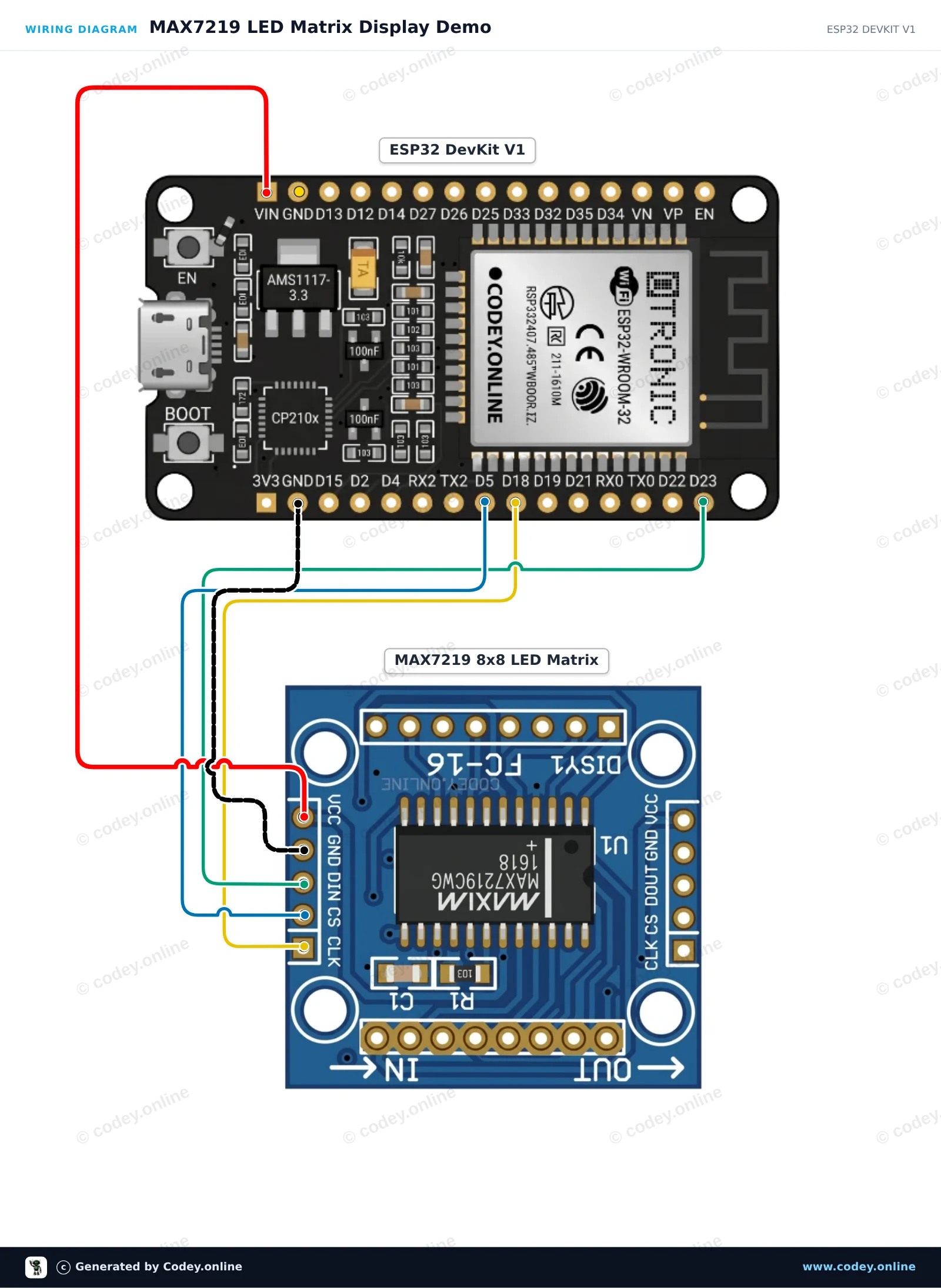
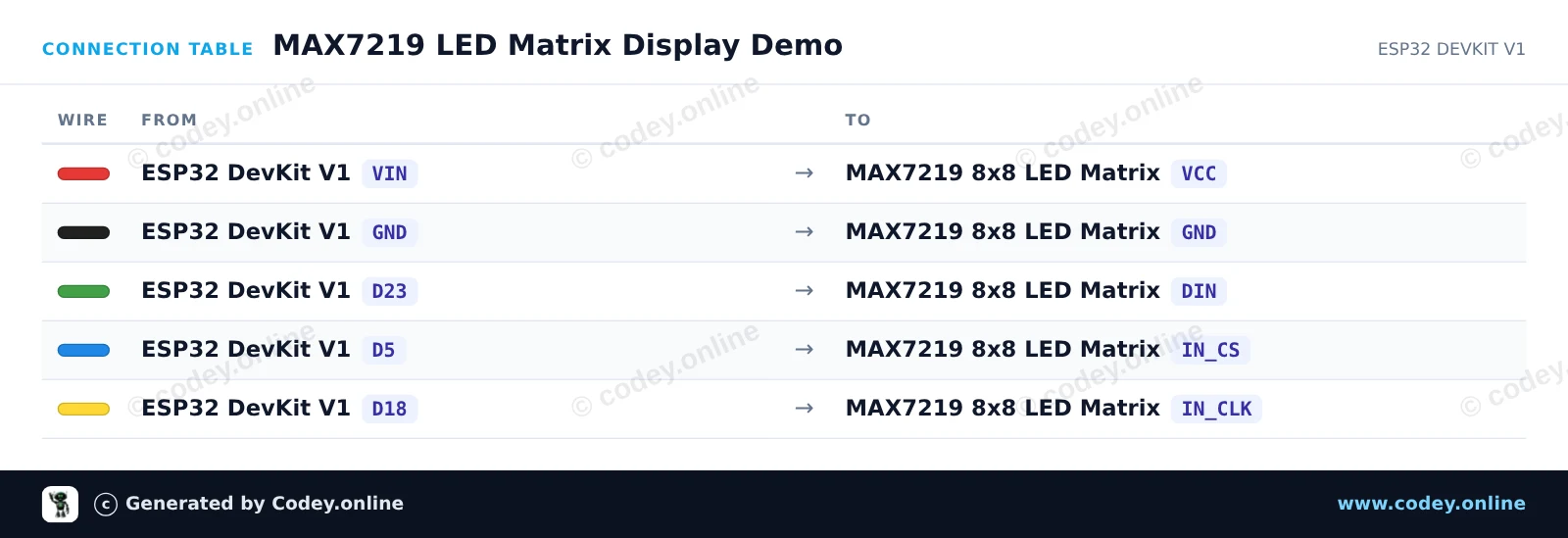
Ce projet montre comment piloter un afficheur matriciel LED 8x8 MAX7219 à l'aide de l'interface SPI matérielle de l'ESP32. Le sketch initialise les registres de l'afficheur et alterne entre l'affichage d'une icône cœur et d'un smiley.

Schéma de câblage : Module matrice LED MAX7219 Rouge sur un ESP32 DevKit V1
Schéma de câblage · Cliquez pour agrandir
Tableau de câblage : Module matrice LED MAX7219 Rouge sur un ESP32 DevKit V1
Tableau de câblage · Cliquez pour agrandir
MAX7219_LED_Matrix_Display_Demo.ino · compilé et testé
/*
 * ==================================================================
 *  Generated by Codey.online  —  https://www.codey.online
 * ==================================================================
 *  Project   : MAX7219 LED Matrix Display Demo
 *  Board     : ESP32 DEVKIT V1 (esp32:esp32:esp32doit-devkit-v1)
 *  Parts     : LED Matrix Module MAX7219
 *  Libraries : none (built-in)
 *
 *  Codey Online is an AI-powered browser IDE for Arduino and ESP32.
 *  Describe your project and Codey writes the code, draws the wiring
 *  diagram and uploads it to your board, straight from the browser.
 *  This code is free to use, modify and share, without warranty.
 * ==================================================================
 */

#include <SPI.h>

const int PIN_CS = 5;

// MAX7219 register addresses
const byte REG_NOOP        = 0x00;
const byte REG_DIGIT0      = 0x01;
const byte REG_DECODEMODE  = 0x09;
const byte REG_INTENSITY   = 0x0A;
const byte REG_SCANLIMIT   = 0x0B;
const byte REG_SHUTDOWN    = 0x0C;
const byte REG_DISPLAYTEST = 0x0F;

const byte heart[8] = {
  0b00000000,
  0b01100110,
  0b11111111,
  0b11111111,
  0b11111111,
  0b01111110,
  0b00111100,
  0b00011000
};

const byte smile[8] = {
  0b00111100,
  0b01000010,
  0b10100101,
  0b10000001,
  0b10100101,
  0b10011001,
  0b01000010,
  0b00111100
};

void writeRegister(byte reg, byte data) {
  digitalWrite(PIN_CS, LOW);
  SPI.transfer(reg);
  SPI.transfer(data);
  digitalWrite(PIN_CS, HIGH);
}

void showBitmap(const byte bitmap[8]) {
  for (byte i = 0; i < 8; i++) {
    writeRegister(REG_DIGIT0 + i, bitmap[i]);
  }
}

void setup() {
  Serial.begin(115200);
  Serial.println("MAX7219 LED Matrix Demo Started");

  pinMode(PIN_CS, OUTPUT);
  digitalWrite(PIN_CS, HIGH);

  SPI.begin();

  writeRegister(REG_DISPLAYTEST, 0x00); // Normal operation
  writeRegister(REG_SCANLIMIT, 0x07);   // Display all 8 rows
  writeRegister(REG_DECODEMODE, 0x00);  // No BCD decoding (raw matrix)
  writeRegister(REG_INTENSITY, 0x04);   // Brightness (0x00 to 0x0F)
  writeRegister(REG_SHUTDOWN, 0x01);    // Wake up from shutdown
}

void loop() {
  showBitmap(heart);
  delay(1000);

  showBitmap(smile);
  delay(1000);
}

Wiring diagram and example code generated by Codey.online — https://www.codey.online

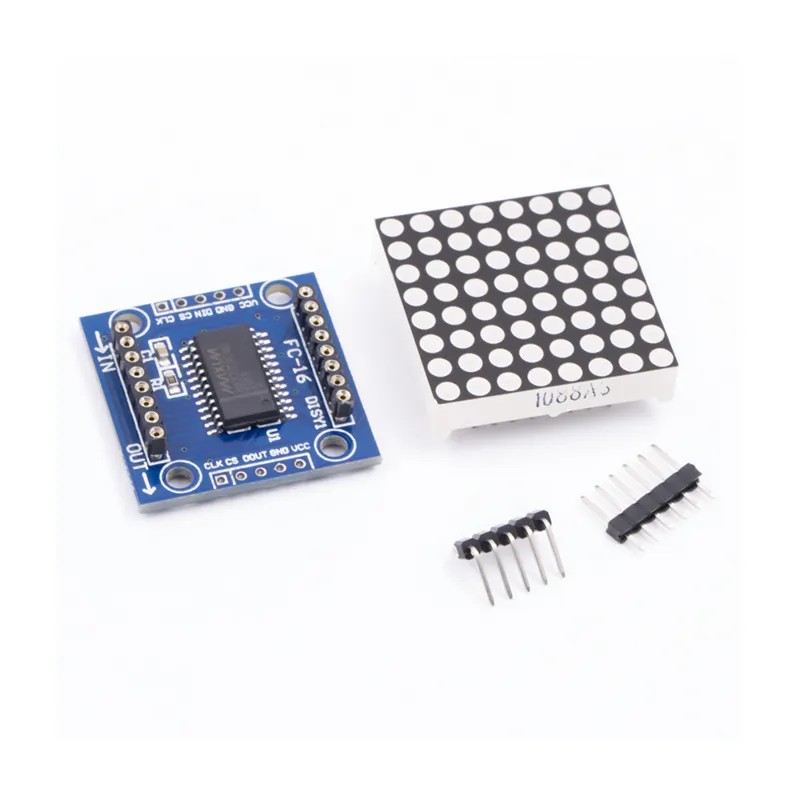
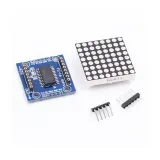
Module matrice LED MAX7219 Rouge

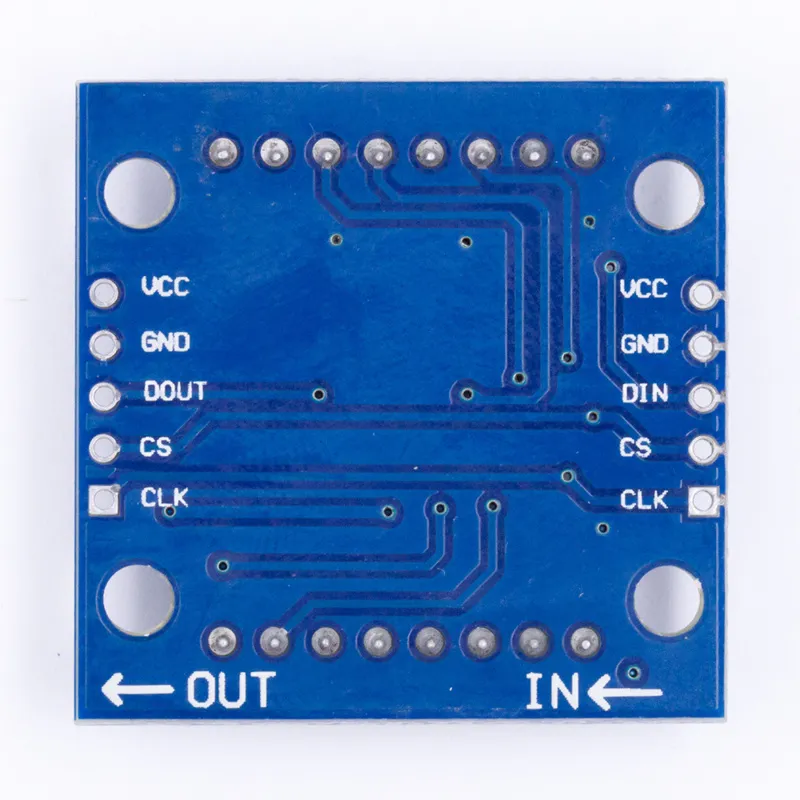
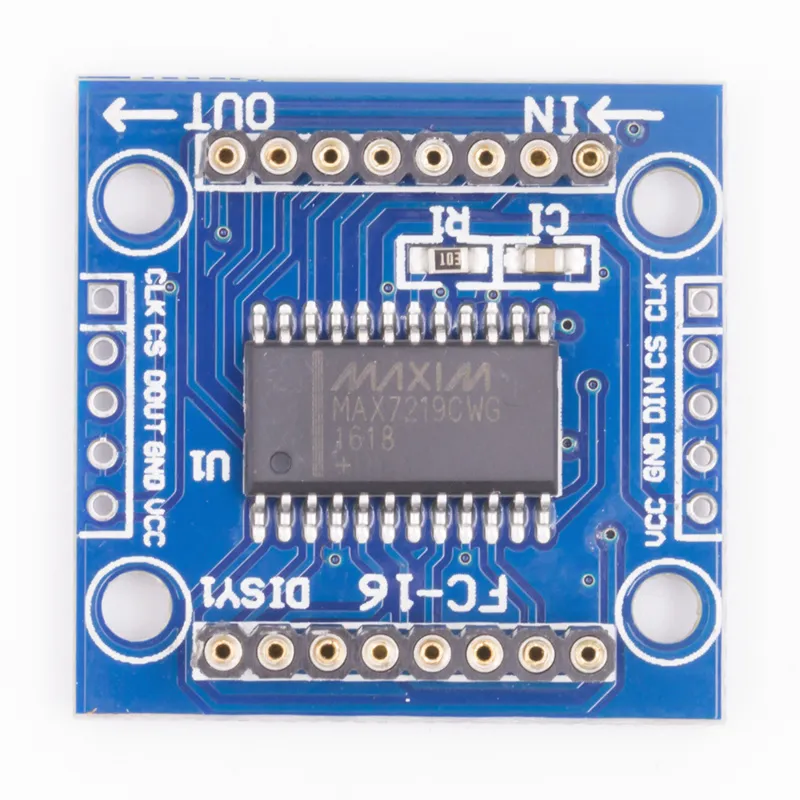
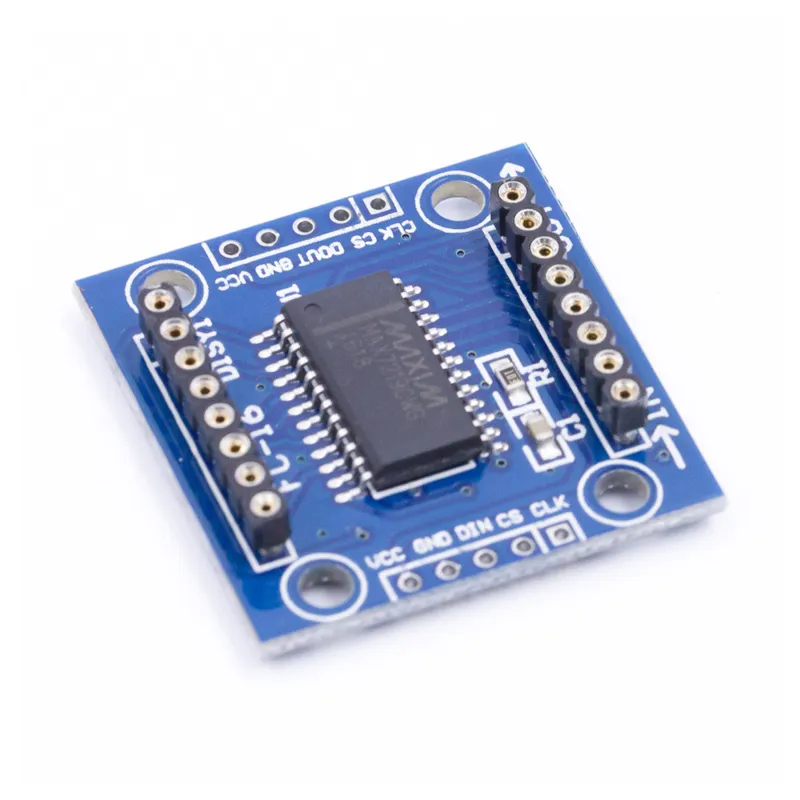
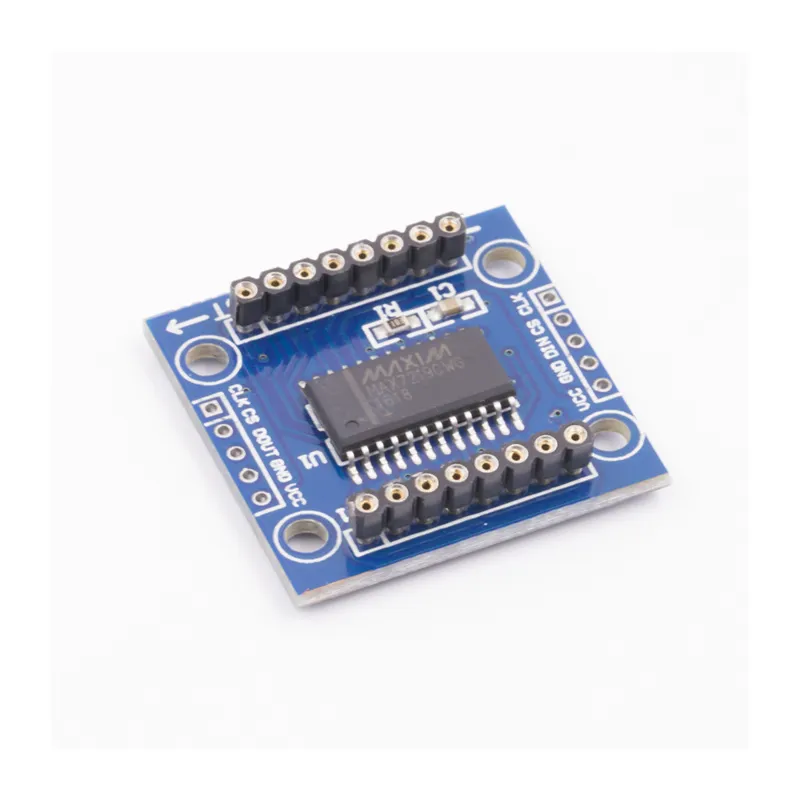
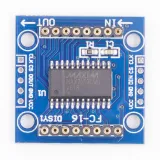
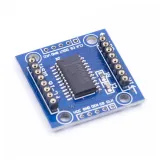
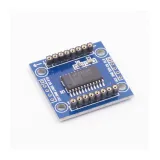
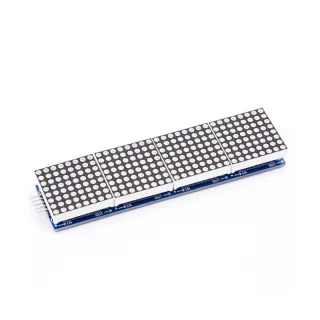
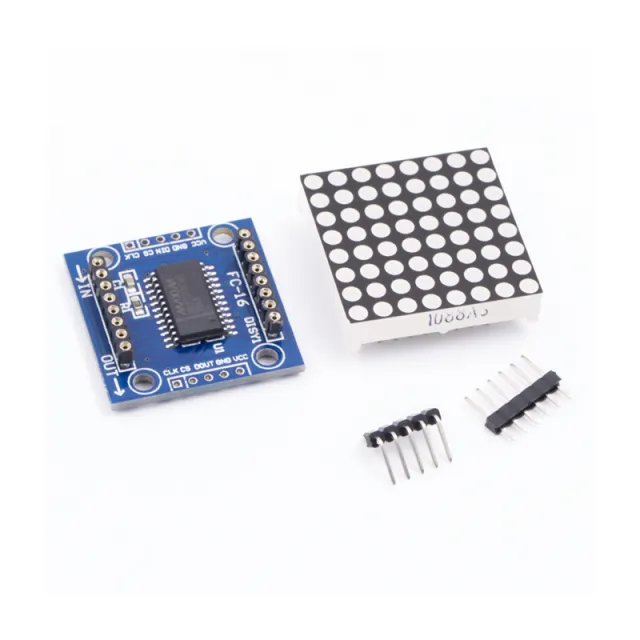
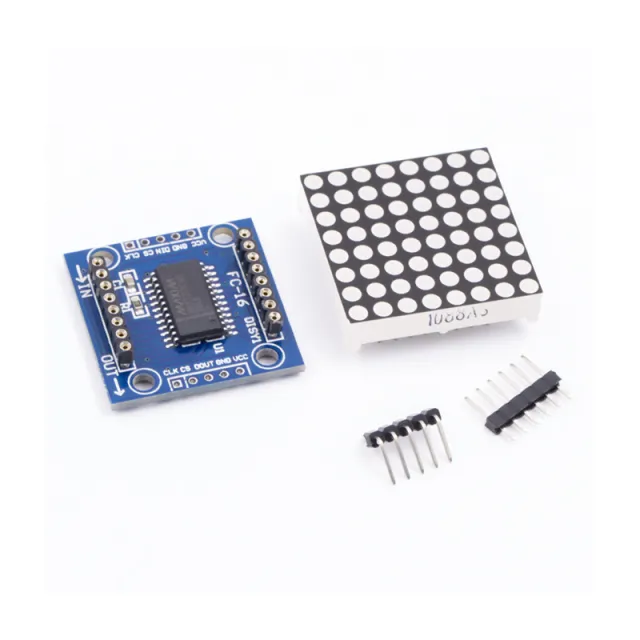
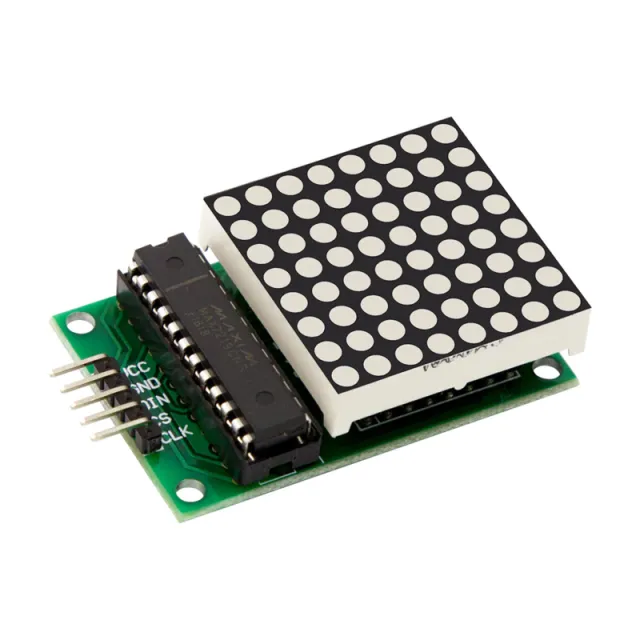
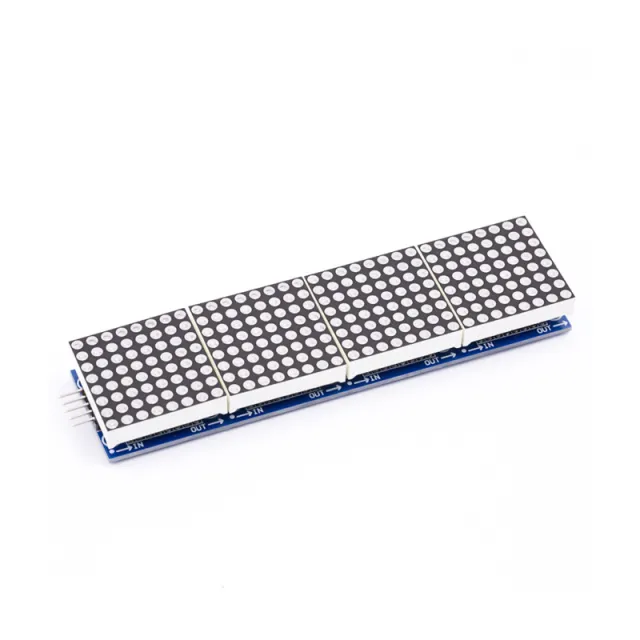
MAX7219 est un IC utilisé pour piloter des panneaux LED à cathode commune, des afficheurs 7 segments et des indicateurs de niveau qui communiquent via l'interface SPI. Cette carte dispose d'un afficheur LED matrice de points 8x8. Plusieurs modules peuvent être chaînés à l'aide des connexions d'en-tête.

Spécifications :

  • Écran à cathode commune 8x8
  • Tension de fonctionnement : 5V
  • Courant de fonctionnement : 250mA (MAX)
  • Tension logique de l'interface : 5V
  • Type d'interface : SPI
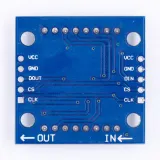
  • Connexions : VCC, GND, DIN, CS, CLK
  • Compatibilité : Compatible avec Arduino UNO R3 / Arduino Mega2560.
  • Bibliothèques pour Arduino : Max72xxPanel et Adafruit_GFX
  • Couleur LED : rouge
  • Taille de la LED : 5 mm
  • Nombre de nœuds chaînables : 32 (MAX)
  • IC pilote : MAX7219
  • Idéal pour les projets DIY Arduino
  • Dimensions : 3,2 cm x 3,2 cm x 1,3 cm
  • Trous de fixation 4x3 mm
  • driver MAX7219
  • matrice 8x8
  • interface SPI
  • 32 modules

Pourquoi choisir ce produit ?

  • Convient pour Arduino – Compatible avec UNO R3 et Mega2560.
  • Conception empilable – Plusieurs modules peuvent être reliés.
  • Interface SPI – Fonctionne via la connexion SPI.
  • Bibliothèques intégrées – Prend en charge Max72xxPanel et Adafruit_GFX.
  • LED rouges – Affichage matriciel avec couleur LED rouge.
Spécifications
Dimensions3,2 cm x 3,2 cm x 1,3 cm
Tension d'alimentation5V
CompatibilitéCompatible avec Arduino UNO R3 / Arduino Mega2560
IC piloteMAX7219
Tension logique de l'interface5V
Type d'interfaceSPI
ConnexionsVCC, GND, DIN, CS, CLK
Bibliothèques pour ArduinoMax72xxPanel et Adafruit_GFX
Couleur de la LEDrouge
Taille de la LED5 mm
Nombre de nœuds chaînables32 (MAX)
Trous de fixation4 x 3 mm
Courant de fonctionnement250mA (MAX)

Avis

★★★★★ 5,0/5 1 avis
  • ★★★★★Martin vd V.

    Produit impeccable.

Rédiger un avis
Votre note

Livraison & retours

Livraison

  • Colis avec suivi€ 6,353 jours ouvrés
  • Colis avec suivi€ 8,053 jours ouvrés
  • Colis avec suivi€ 9,153 jours ouvrés
  • Colis avec suivi€ 10,153 jours ouvrés
Tout sur la livraison

Retours

Pas satisfait ? Tu as 30 jours après réception pour renvoyer le produit.

Tout sur les retours

Récemment consultés

Module clavier matriciel 4x4

Module clavier matriciel 4x4

€ 1,80
Module matrice LED MAX7219 Bleu

Module matrice LED MAX7219 Bleu

€ 2,90
Assortiment de 65 trimpots

Assortiment de 65 trimpots

€ 7,30
Clip de test Noir

Clip de test Noir

€ 1,00
Clip de test Rouge

Clip de test Rouge

€ 1,00
Micro Switch 15A 250V AC

Micro Switch 15A 250V AC

€ 3,65
Testeur multifonction USB-C

Testeur multifonction USB-C

€ 12,49